
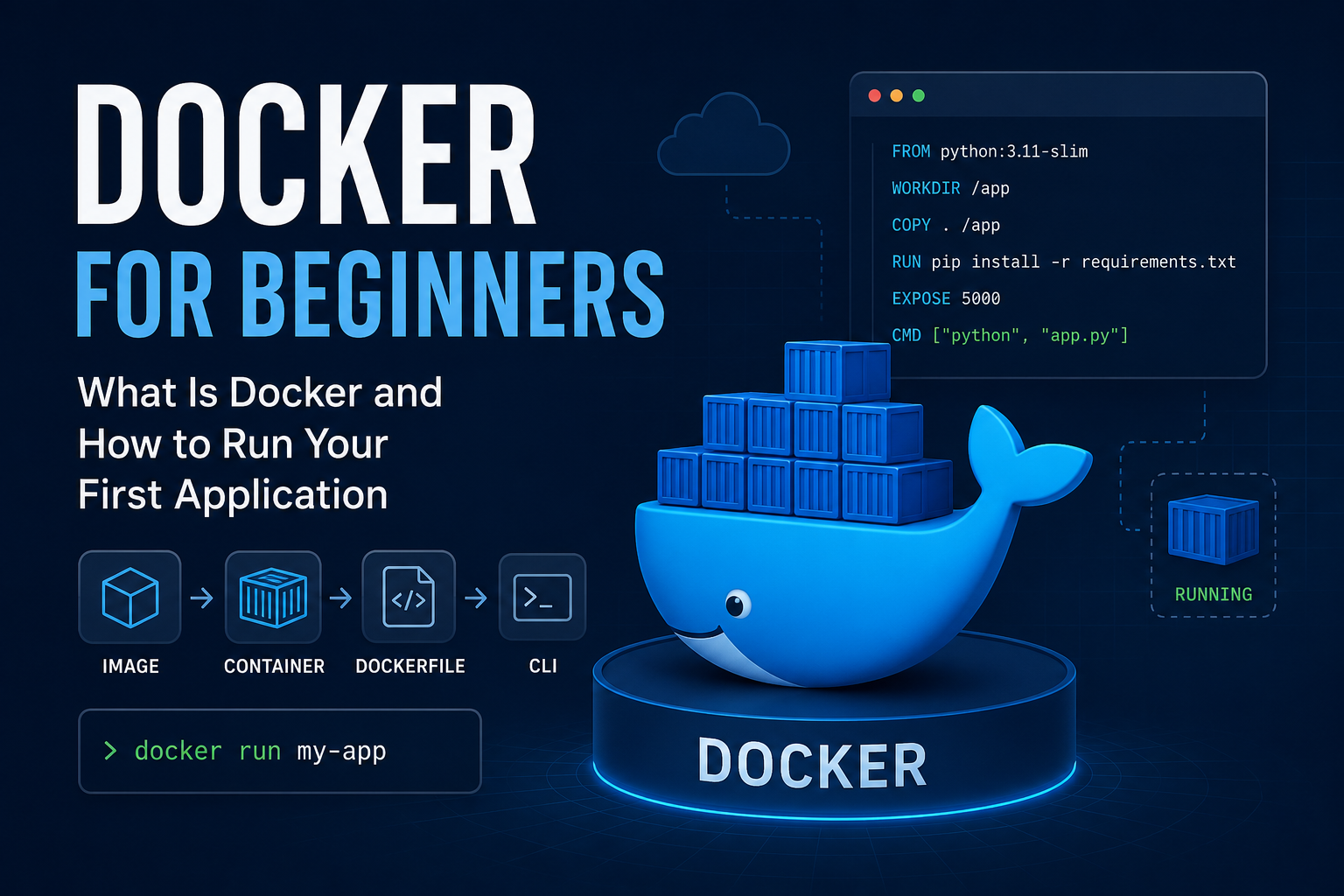
What is Docker?
Docker is a platform that allows us to run applications in isolated environments called containers. The main purpose of Docker is to package the code, libraries and dependencies required by an application together. This allows us to run our application more consistently on different computers.
Why do we need docker?
When we move an application to another computer, differences in the environment required to run the application can cause problems. For example, our application may require a specific Python version or specific libraries.
An application that works on my computer may not work on another computer because the required dependencies are missing. Docker helps solve this problem by packaging in the application together with its required environment.
Image vs Container
When learning Docker, it is very important to understand the concepts of Image and Container.
A Docker Image is a template used to create a container.
A Docker Container is a running instance of a Docker Image.
We can think of the basic process like this:
Image → Container → Running Application
What is a Dockerfile?
A Dockerfile is a special file that contains the instructions required to builda Docker Image. For example, in a Dockerfile, we can specify which Python version to use and how our application should be run.
We can think of the basic process like this:
Dockerfile → Docker Image → Docker Container → Application
Installing Docker Desktop
Now, let's leave the theory behind and install Docker on our computer. We will use Docker Desktop to run Docker on Windows.
We can install Docker Desktop by following the official installation documentation. On Windows, the WSL 2 backend can be used.
Docker Desktop for Windows – Installation
Checking the Docker Installation
After the installation is complete, we open Docker Desktop.
Then, we open PowerShell and run the following command:
docker --version
This command allows us to check whether Docker has been installed correctly on our computer.
Comments
Please log in to leave a comment.
No comments yet. Be the first to comment!